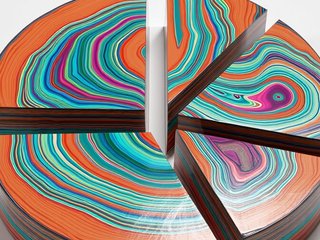
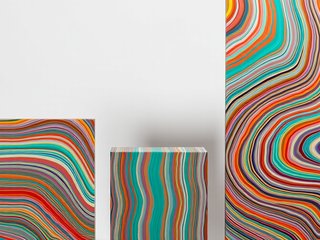
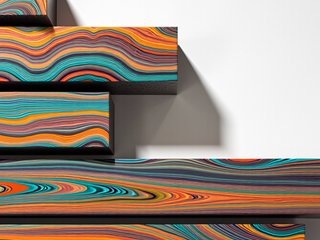
Fordite lives in the Luxury & Gemstones category — presets that render chart segments with polished-stone surfaces and precious-material finishes. Polished Fordite. The palette carries 6 colors on a white default background, with enough depth in each swatch to keep its richness when the slide is resized or re-exported.
Gemstones styles fit premium brands, luxury goods, high-end service firms, and investor-facing content where the chart is the proof, not the filler. They also lift otherwise ordinary internal charts for board-level reviews.
Compatible with column, bar, and pie charts, so a single deck can carry the same polished look across every chart type.
How to apply this style
- Open Chartissimo with Fordite pre-selected Click the launch button on this page — the app loads with Fordite already selected, so you can skip straight to pasting your data.
- Paste your data Drop a CSV, paste from a spreadsheet, or type values directly. Chartissimo handles small tables (under ~25 rows) best; larger datasets should be aggregated first.
- Pick your chart type Choose column chart or any other type this preset supports. The visual language stays consistent across chart types, so you can swap later without losing the look.
- Generate and export Hit generate, wait a few seconds, then export as PNG or SVG. Drop it straight into your slides, doc, or blog post.
Ready to use Fordite?
The app will load with this preset pre-selected — paste your data and hit generate.
Launch Chartissimo →